
Adding and editing content to content tabs
In this feature, you can:
- Add and edit content tabs
To access this feature, do the following:
- Login to your WebStore Manager.
- Go to Design & Content > Content.
- Select Content tabs.
OR
- Login to your WebStore Manager.
- Go to Products > Product Details.
- Scroll to Content tabs.
Note: These features were funded by Conn’s Cameras, and they have graciously agreed for them to be released generally and to be used by non-competing sites.
Adding/editing content in a content tabs
To add or edit content in a content tab, follow these steps:
-
Click Edit.
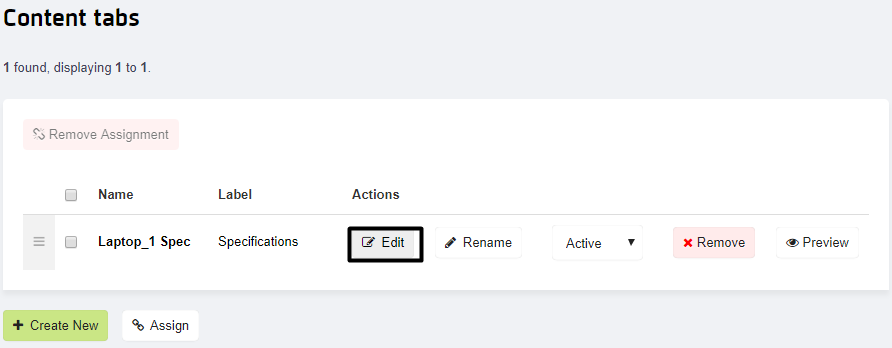
-
Click Edit Content :


-
Enter the tab content to be displayed either in what-you-see-is-what-you-get (WYSIWYG) mode with drag and drop image upload support, and/or in HTML mode.
-
Click Save.


-
View the preview and choose to set the change live.

-
The change can then be viewed on the WebStore.

Contact us
If you have any problems with this feature, contact our support team by opening a ticket.