
Displaying a summary of the existing basket
In this feature, you can:
- Display a summary of the current basket, if there's any item, which can be edited.
To display a summary of the existing basket, do the following:
- Login to your WebStore Manager.
- Go to Settings > All Config Options.
Enabling this feature
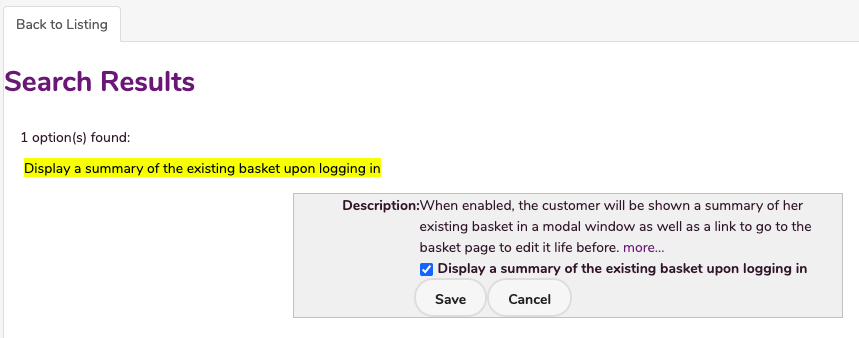
- Search Display a summary of the existing basket.
What this feature does
- The customer is shown a summary of her existing basket in a modal window.
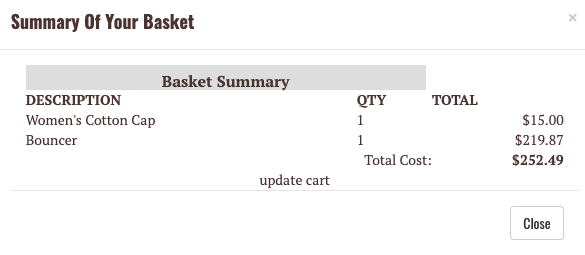
- Click Update Cart to edit the basket page is also provided.
Contact Us
If you have any problems with this feature, contact our support team by opening a ticket.