
Viewing your customer orders
Using this feature you can:
- View customer orders
- Export orders to CSV
- Update orders
- Print orders
Get Started:
- Login to your WebStore Manager.
- Go to Orders > All Orders.
Filter orders
To use the filters to find specific orders, do the following:
- Click Filter Orders
- Filter orders by Channel, Status, Delivery, and Date
- Sort by Date or by Username


Printing your customer orders
- Print orders in a number of different ways.
- Printing a picklist will help you organize and fulfil your orders.

Exporting orders to CSV format
- Export orders to CSV format.
- You can upload the CSV file to a spreadsheet.
- This can help you organize and fulfil orders.

Viewing order details
Change customer information, product and shipping details here.
- To view order details, click the … icon.

- You can change the requested shipping methods.


Note: The total price will change automatically if the delivery price is different.
- Update customer and shipping details.

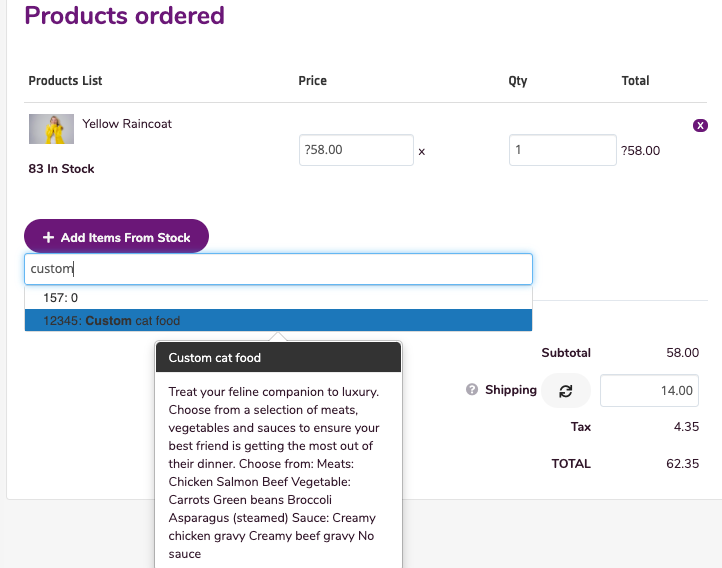
- Add or remove products from the order.
- Click the Update And Finalize

Contact us
If you have any issues regarding this feature, contact our support team by opening a ticket.