To view product details, do the following:
- Login to your WebStore Manager.
- Go to Products.
- Select a product.
Product details
- Product detail shows basic product information.
- You can add, edit, and remove content tabs, accessories, add-ons, and schedules.
Content tabs
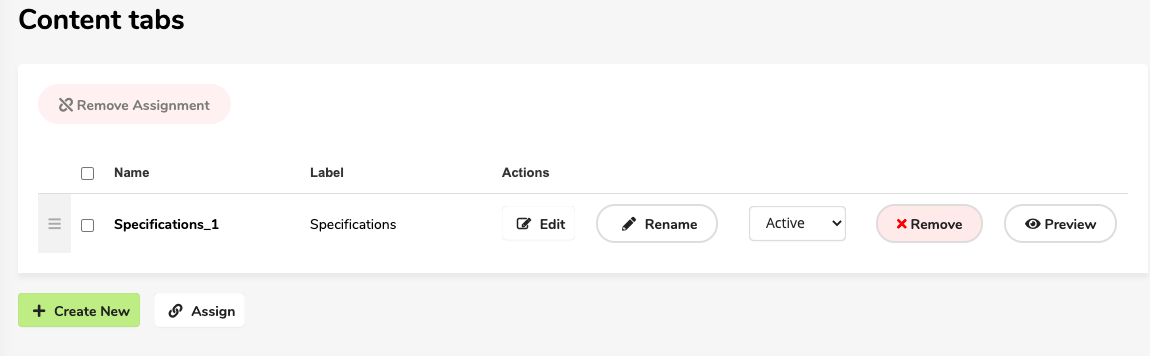
In this section, you can:
- Edit tabs associated with your product.
- Rename tabs associated with your product.
- Preview content tabs associate with your product.
- Create new content tabs.
- Associate already existing content tabs with your product.
- Remove content tabs assigned to your product.
Learn more at: Configuring content tabs.
Accessories
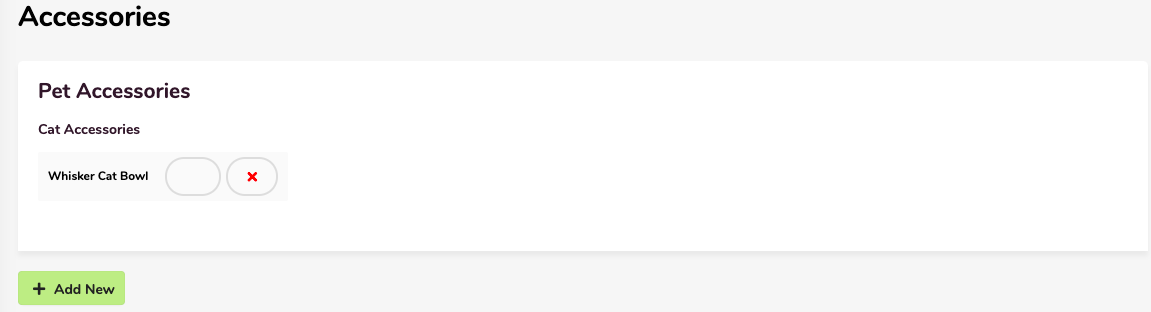
In this section, you can:
- Associate accessories with the product.
- Remove accessory associations from the product.
- Showcase (star) accessories associated with the product.
Add-ons
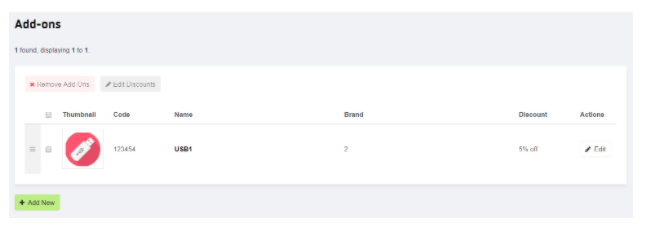
In this section, you can:
- Associate add-ons with the product.
- Remove add-ons associated with the product.
- Edit discounts assigned to the add-ons.
Learn more at: Creating and assigning accessories and add-ons.
Schedules
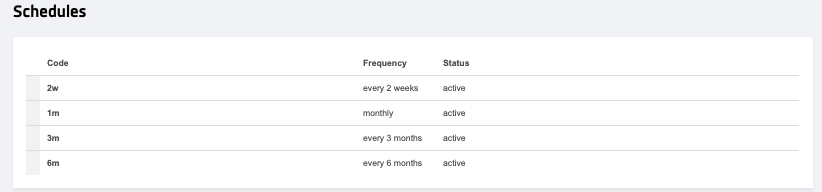
In this section, you can:
- View schedules associated with the product.
Learn more at: Setting up your subscriptions.