
Placing a subscription order
To add a subscription order from your WebStore, follow this guide:
Adding a subscription
- A subscription option will be available on the product page.
- Shoppers can choose how often the product will be delivered and the quantity.
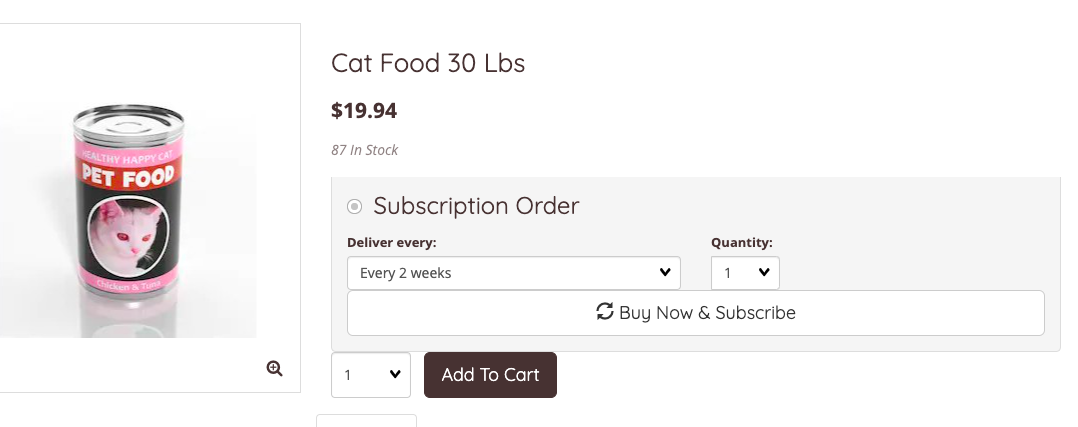
- Subscriptions options will only be available for products that have been flagged for subscription.
- Subscriptions will be added to the cart as normal with a note confirming the recurring order.
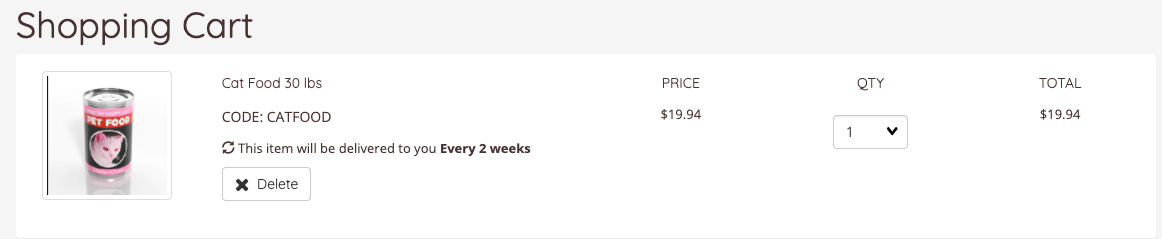
- Proceed to checkout as normal.
- The shopper will receive an order summary via email.
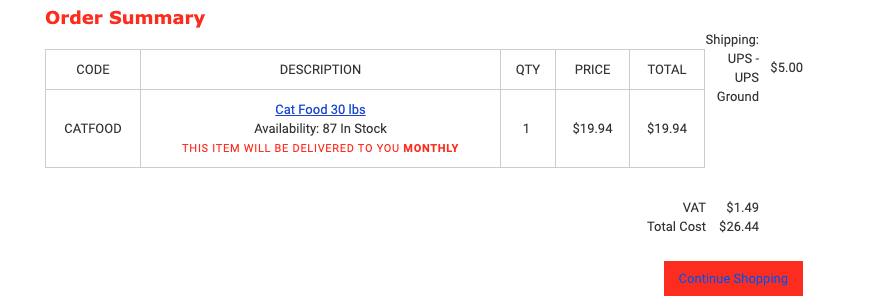
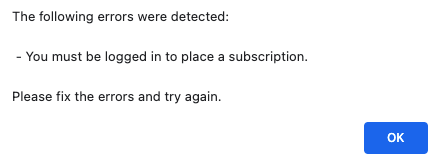
- Customers will be required to login or create an account at the checkout.
- Shoppers will receive an error at the checkout if they attempt to create a subscription without an account.
My Account: My subscriptions
Customers can edit, pause or cancel their subscriptions by going to My Account > My Subscriptions
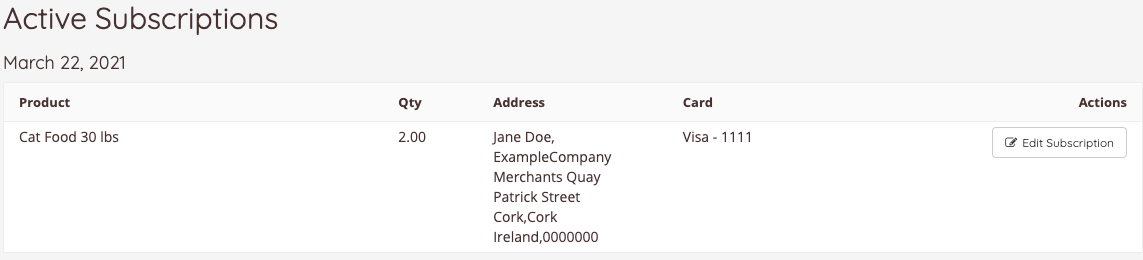
- Click Edit Subscription
- From there, shoppers can:
- View their recurring orders
- Pause or cancel a subscription
- Substitute a product
- Update their shipping and payment details
- Skip to next recurring delivery

Learn more: Editing shopper subscriptions.
Contact us
If you have any problems with this feature, contact our support team by opening a ticket.