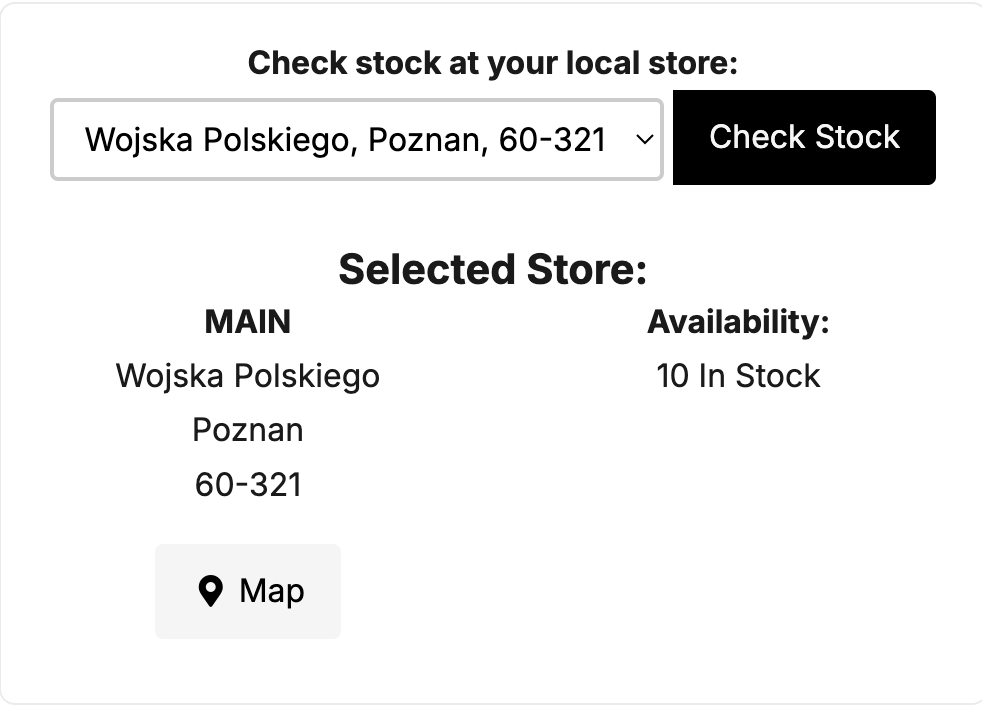
The Check Stock at Your Local Store feature allows customers to see product availability at their selected store directly on product pages. 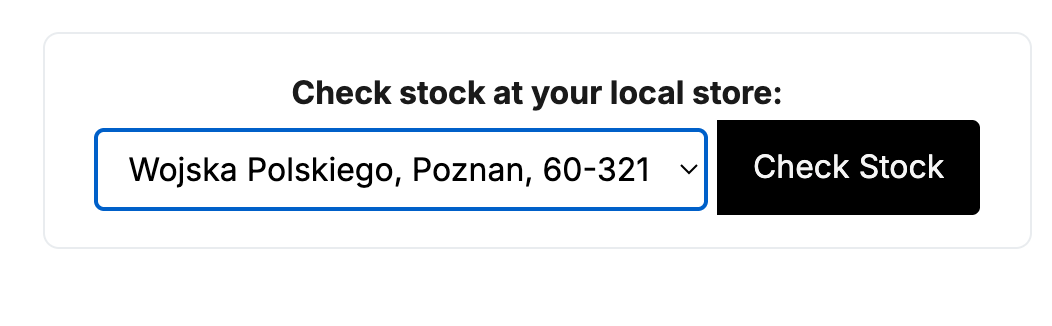
This feature is available only for stores configured to support multi-stock locations, helping customers find and purchase items from the most convenient location.
To add this feature to your WebSell store:
Go to Webstore Manager > Design & Content > Edit Templates.
Select Edit Current Section and choose the Product Page template.
Insert the required code at the desired location (for example, around line 298).
Save your changes and make the template live.
Note: Please exercise caution when editing templates. If you are unsure about making these changes, contact WebSell Support for assistance.
{* Check in local store Link *}{if (featureSupported("multistorestock"))}{nsIf:HasSelectedStore}{ns:loadSelectedStore}{/nsIf:HasSelectedStore}{nsIf:HasNoSelectedStore}<div id="stockcheck"><a class="checkstocklink" href="javascript:checkStoreSelectStore()">Check stock in my local store</a></div>{/nsIf:HasNoSelectedStore}{endIf}