B2B Pricing - Price Levels

WebSell supports multiple Business Central pricing and discount mechanisms. This includes customer-specific prices, price levels, and quantity discount tables that are synchronized from Business Central to WebSell. This article outlines how those price levels are displayed on the storefront, how pricing data is applied at the customer level, and which configuration settings are required to maintain consistent B2B pricing across both systems.
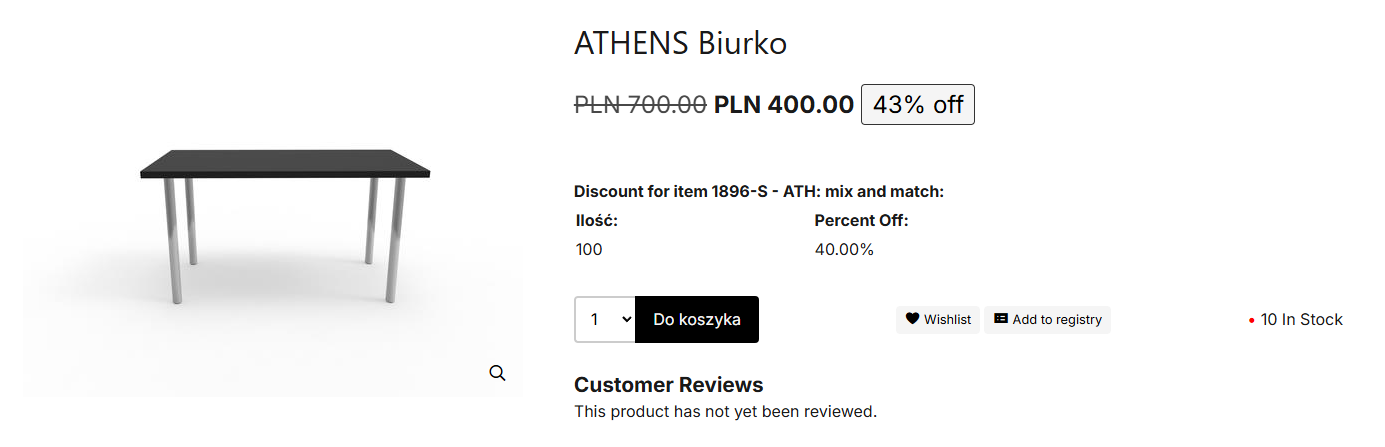
When B2B pricing is enabled, WebSell will display price levels to authenticated customers who have a corresponding price level assigned in Business Central. The storefront always displays the lowest available price, so if a customer’s assigned price level results in a higher value than the web price or web sale price, the higher amount will not be shown. 
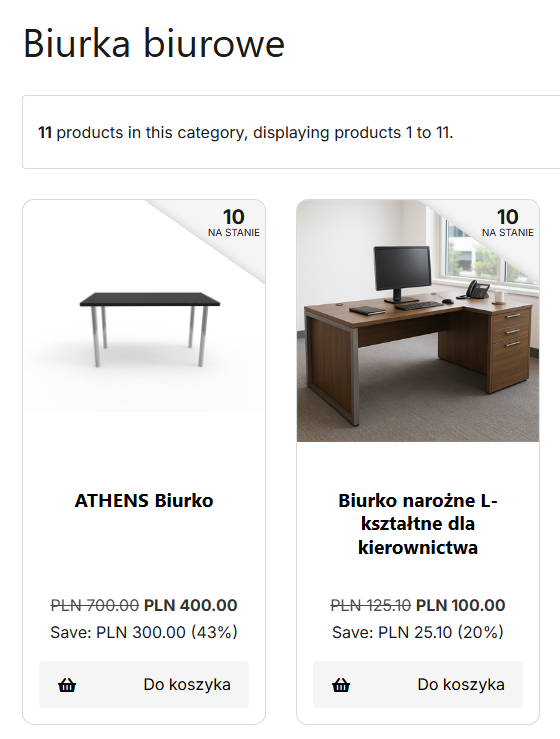
Pricing based on assigned price levels will not appear for guest visitors anywhere on the site, including homepage carousels, marketing blocks, or product detail pages, until the customer has logged in.

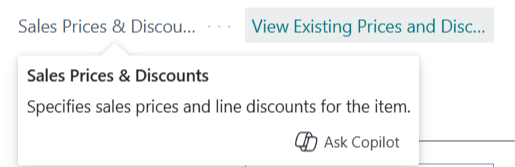
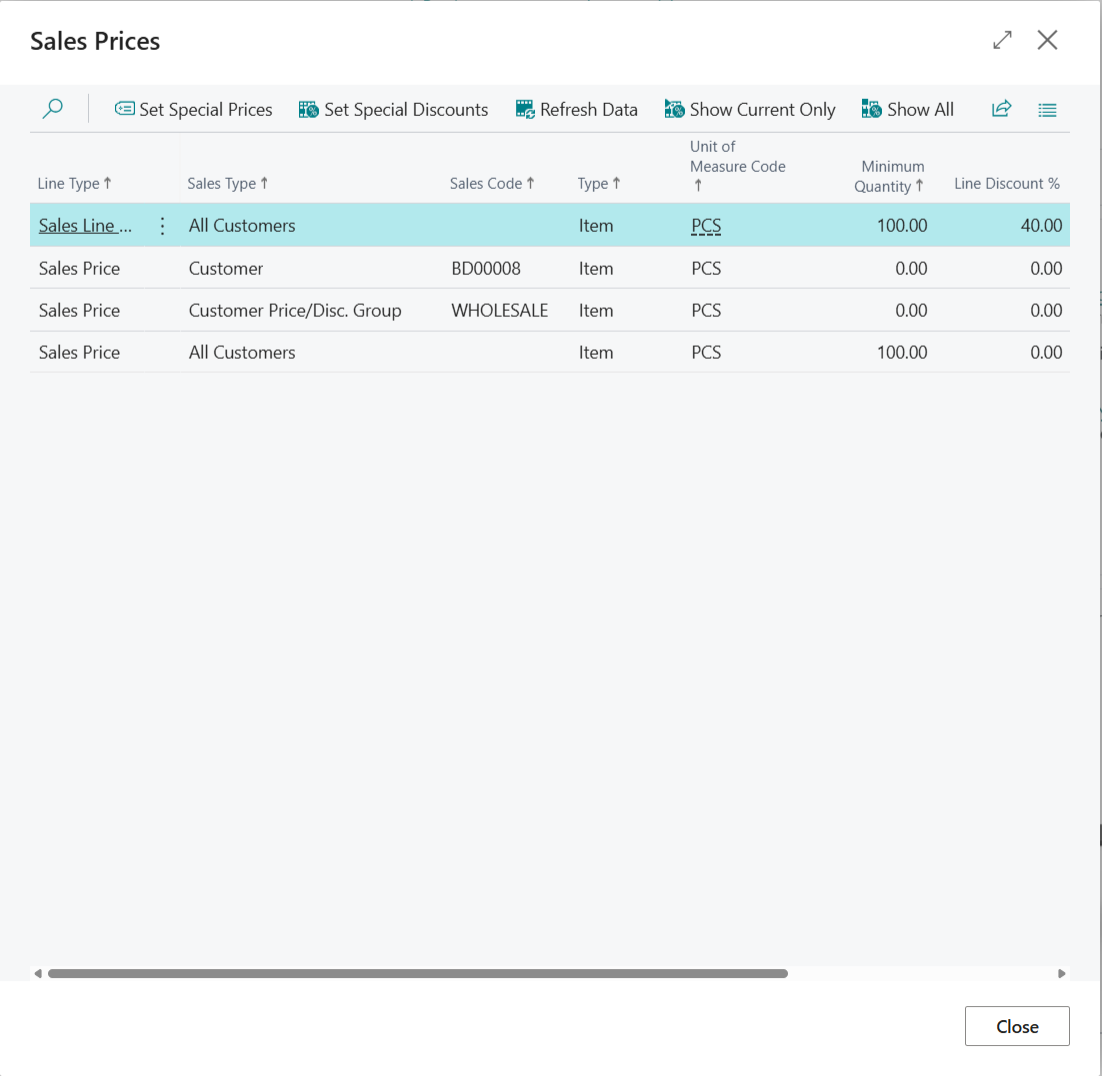
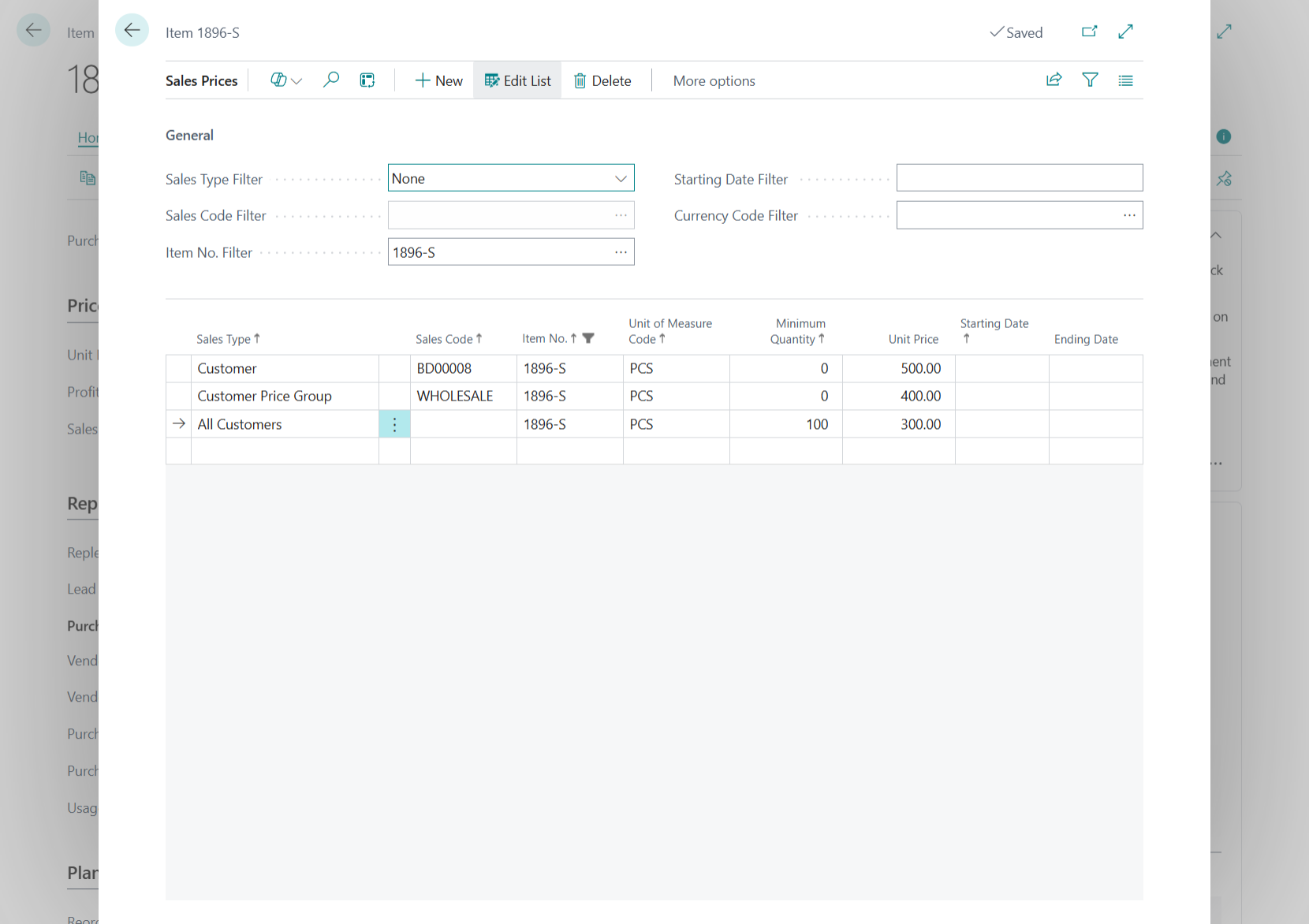
WebSell synchronizes price levels from the Sales & Discounts card in Microsoft Dynamics 365, supporting price levels A–Z (26 tiers) for customer groups via special prices, as well as individual pricing for specific customers per item. Note that these individual prices are not quantity-based.

To set up special pricing in Microsoft 365:  

1. Open the item record.

2. Go to Special Sales & Discounts > Create New Special Price.

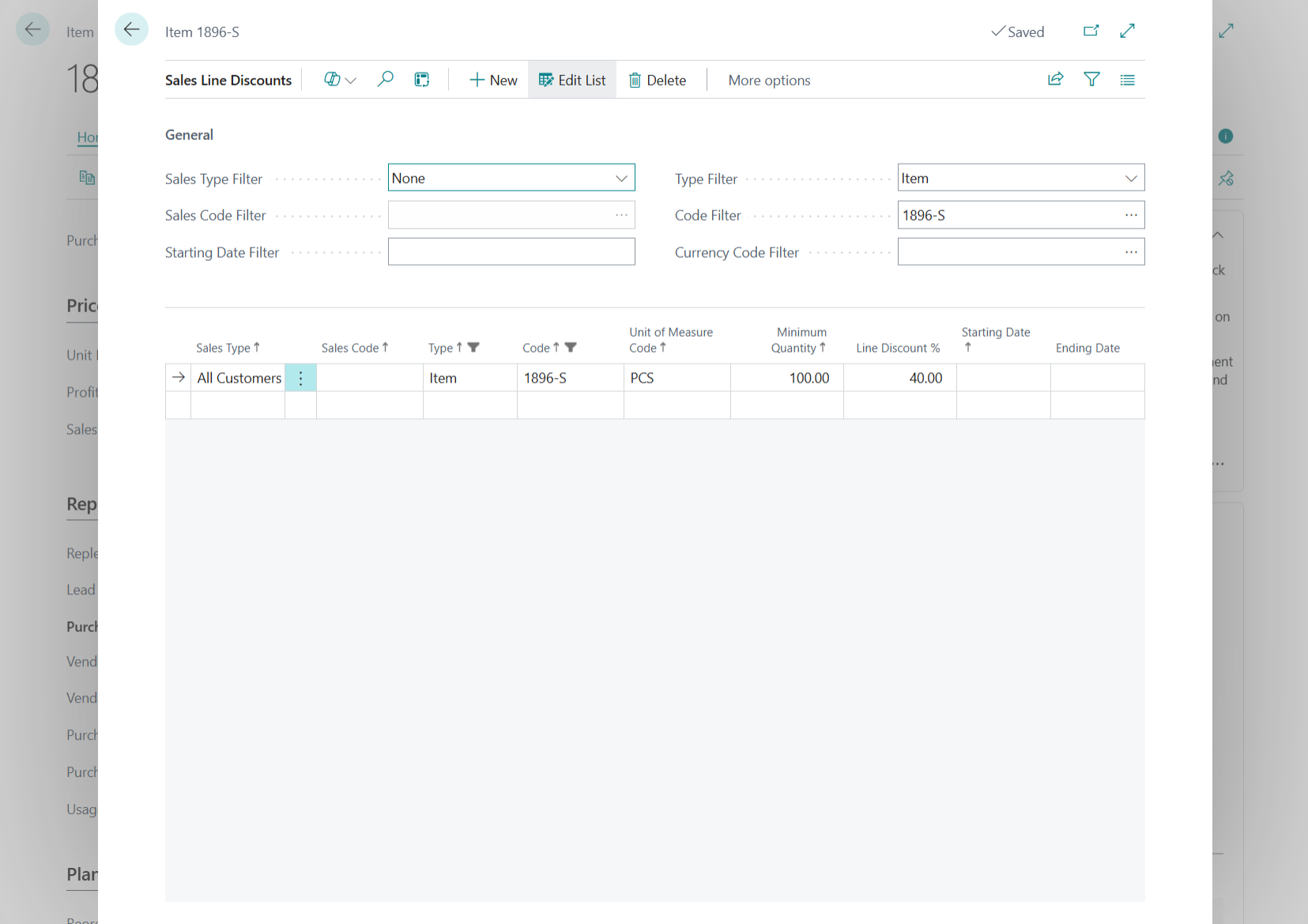
3. Select the Sales Type, Sales Code and enter the Discounted Unit Price.

Customer-specific discount: Select Customer as the sales type and choose the specific customer.

Group discount: Select the appropriate Customer Group and ensure the relevant customers are assigned to that group.

General discount: Select All Customers as the sales type to apply the discount to all customers.

For more detailed instructions, please refer to the demonstration video:

Dynamics 365 Business Central: Sales Prices

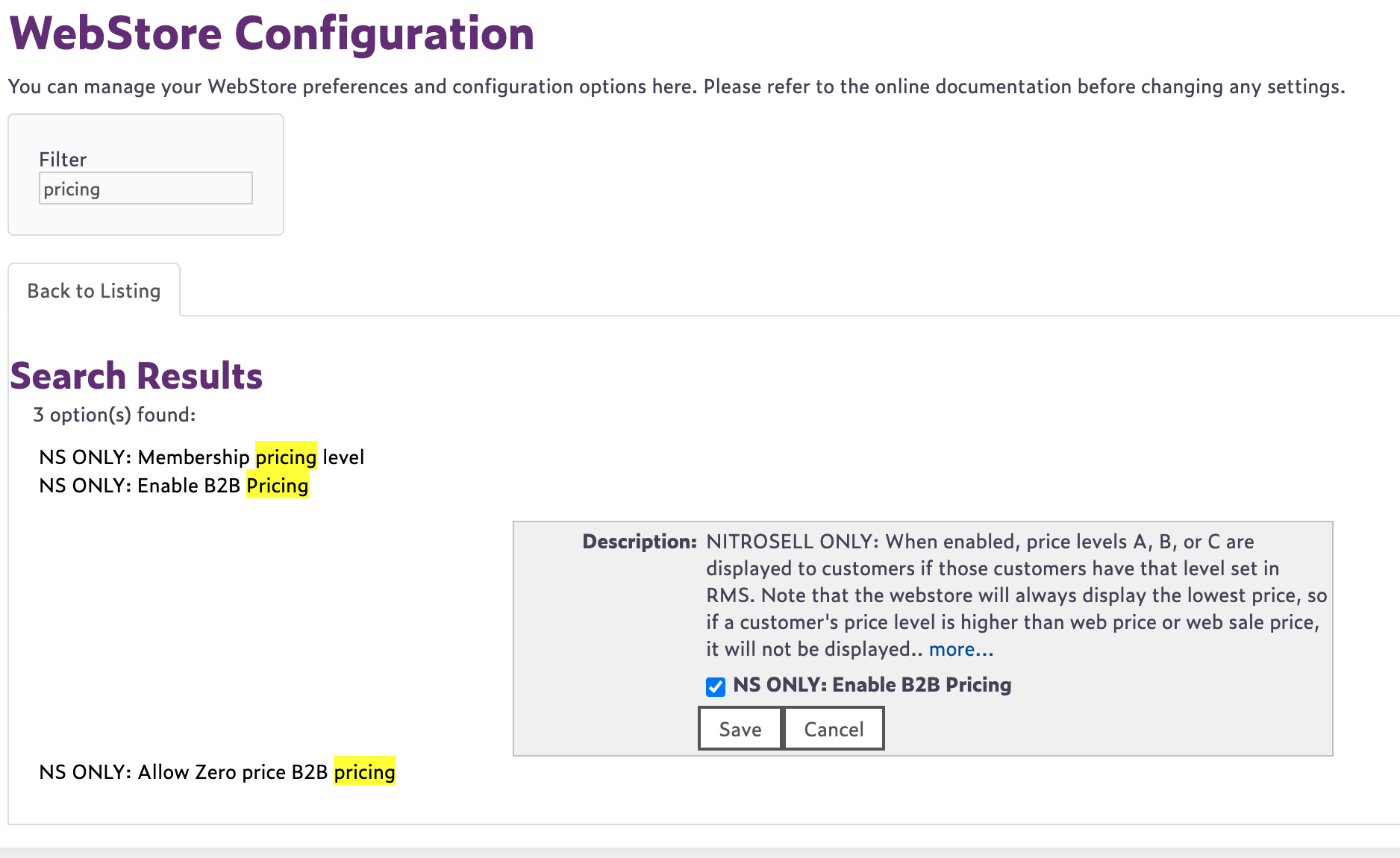
To enable on your website: 

1. Open WebStore Manager.

2. Select Settings> All Config options tab. 

3. Enable NS ONLY: Enable B2B Pricing.