Product Card Size
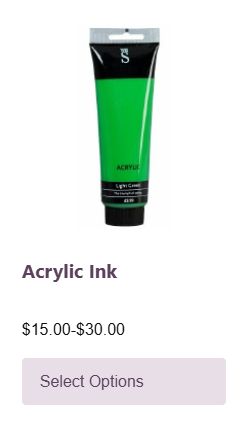
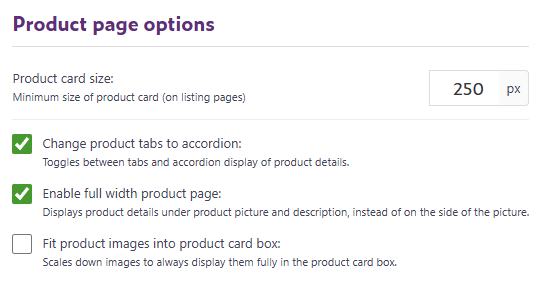
This setting controls the minimum size of each product card on your department or category pages. Product cards include elements like the product image, name, price, and labels.
By default the size of each product card is 220px. Increasing the size can make your product images appear larger, while decreasing it allows more products to fit in a row.
Change Product Tabs to Accordion
This option lets you choose how product details (such as Description, Content Tabs, and Reviews) are displayed on the product page.
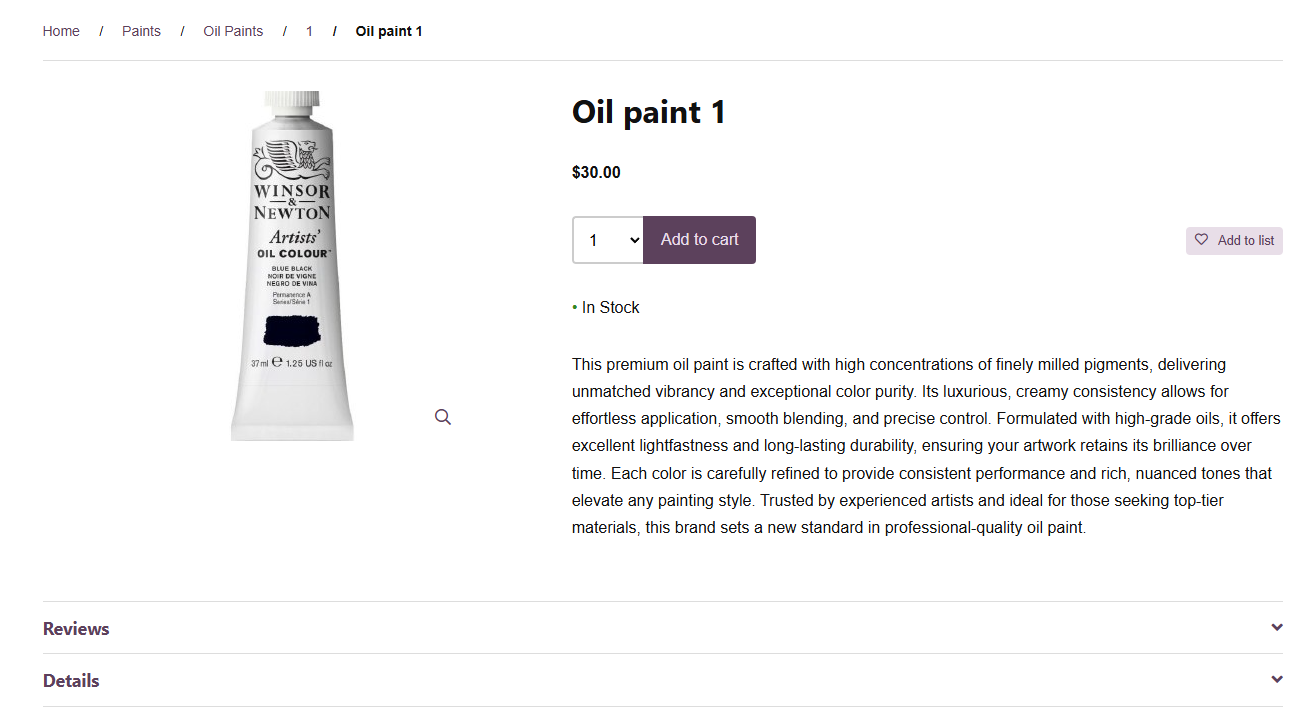
When enabled, the traditional tab layout is replaced with an accordion layout, where each section is collapsible. This format is especially helpful for mobile users because it saves space and makes the page easier to scroll.
Default view:
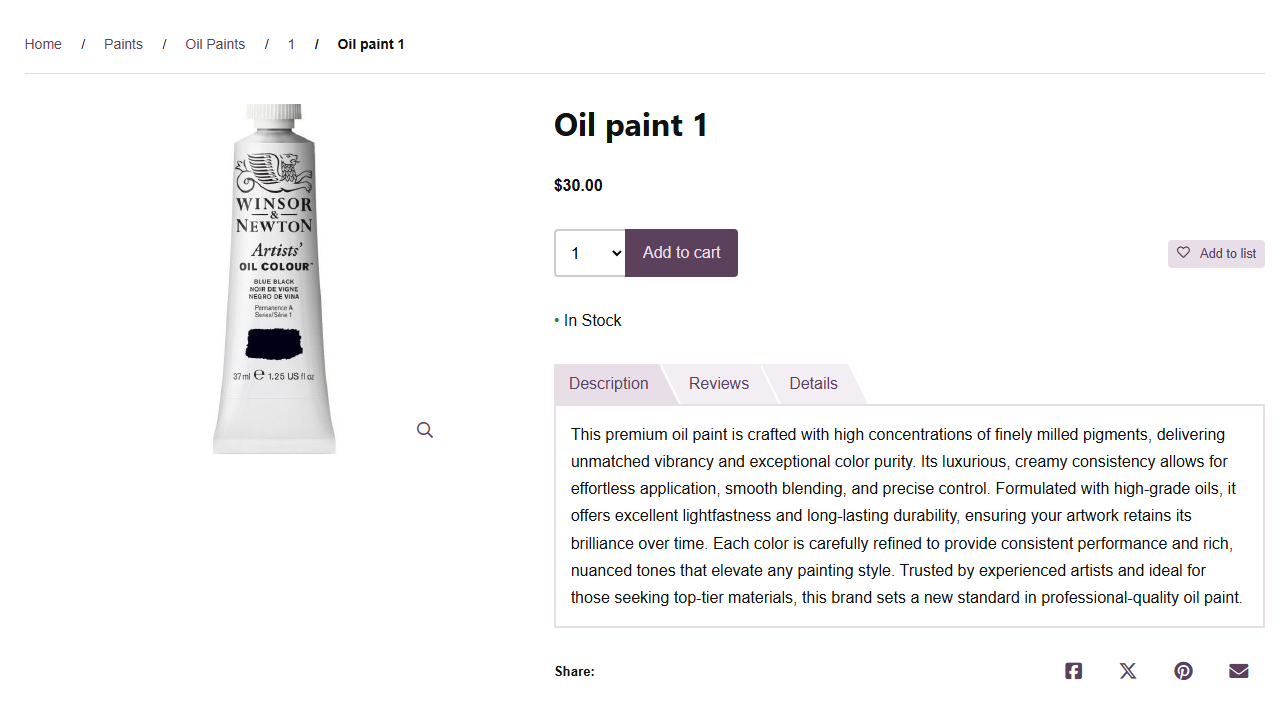
Accordion view (displays product's extended description outside of accordion):
Enable Full-Width Product Page
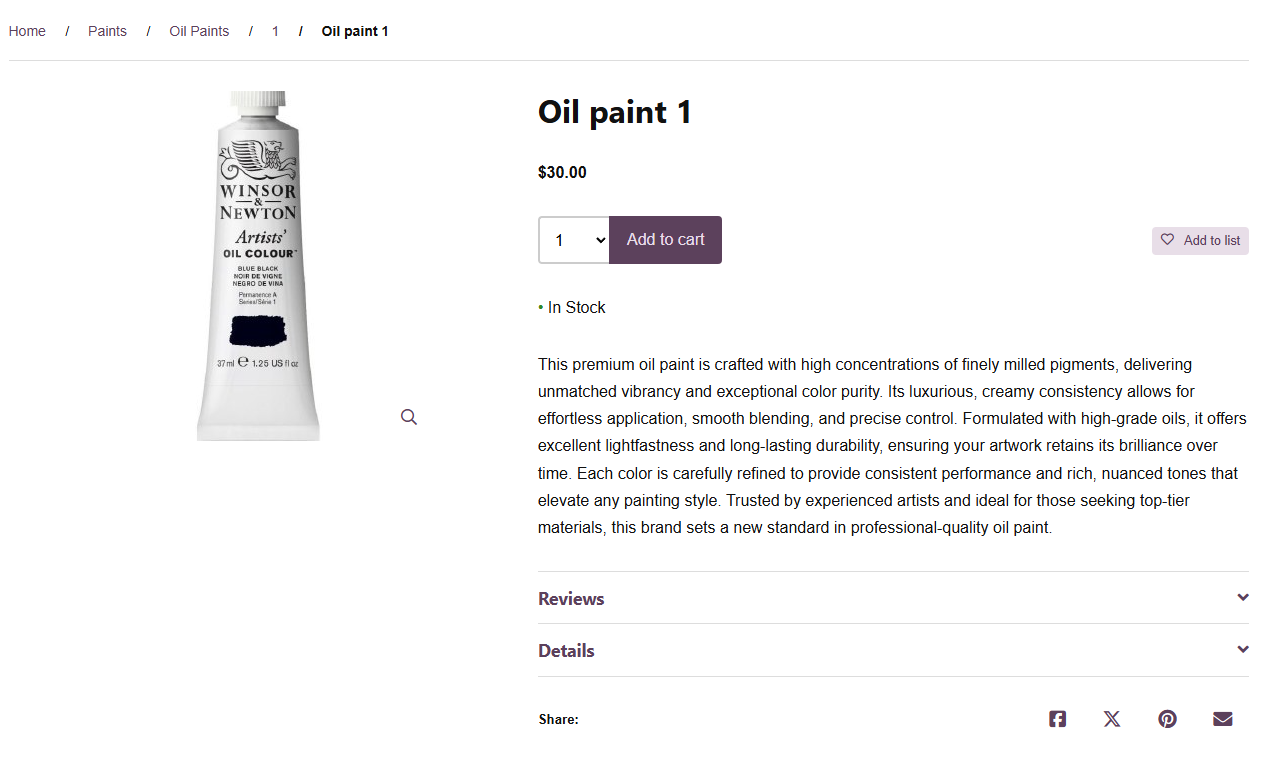
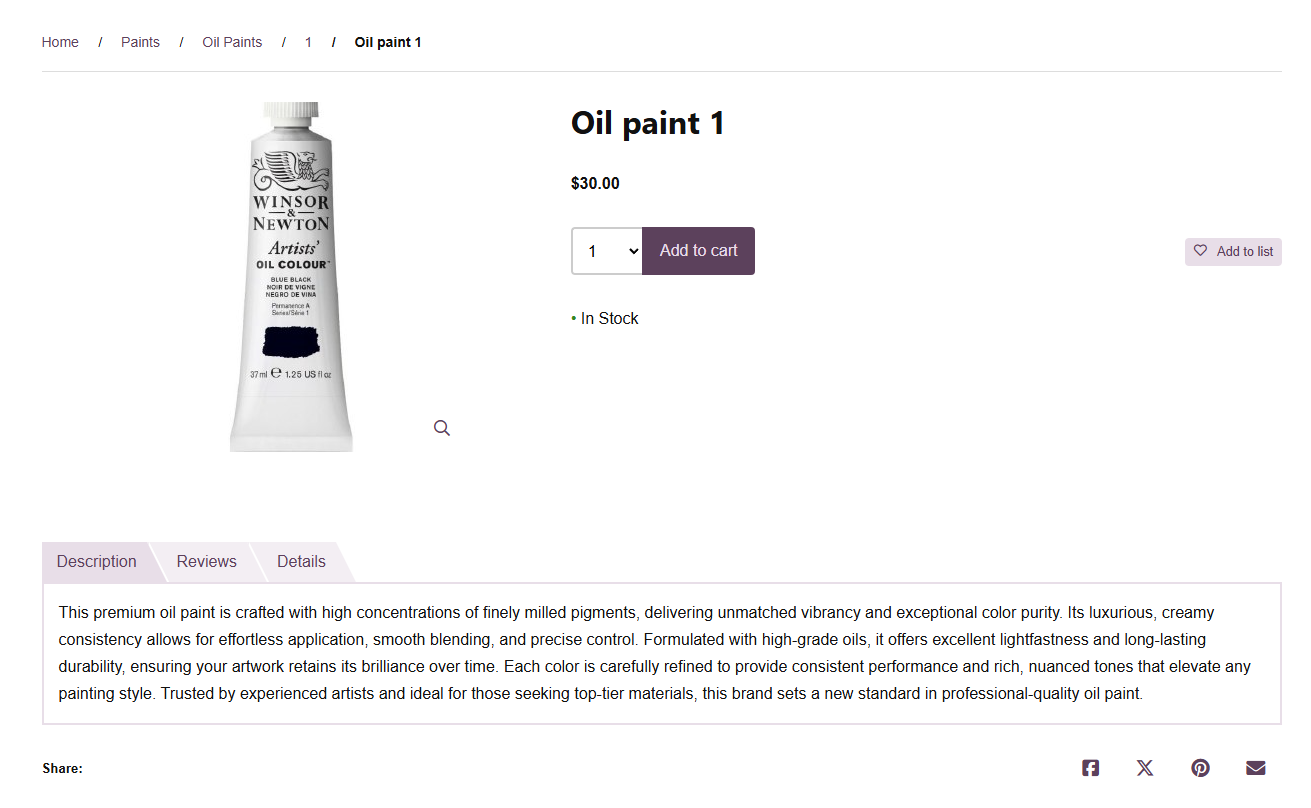
When this option is enabled, the product details (such as Description, Content Tabs, and Reviews) are shown below the product image instead of next to it. This layout is ideal if you want a cleaner look, or more space for longer descriptions or images in the content tabs.
Tabs view of full-width product page:
Accordion view of full-width product page:
Fit Product Images Into Product Card Box
This option ensures that all product images are scaled down to fit fully inside the product card box.
If your images vary in shape or size, enabling this feature helps keep your product grid tidy and prevents images from being cut off or misaligned.
See an example below - Without this option, smaller or differently-shaped product images may be cropped on the sides, which can look unprofessional.
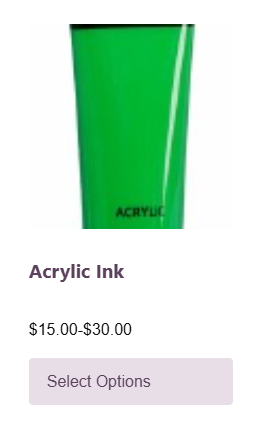
When this option is enabled, the entire image will automatically fit inside the product card box, creating a clean and consistent appearance across your store.