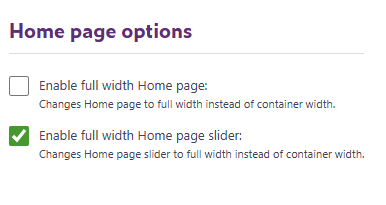
Enable full width Home page - This option lets you stretch homepage elements—such as carousels or text content—so they span the entire width of the screen. When disabled, these elements stay within the standard container width defined in your general settings.
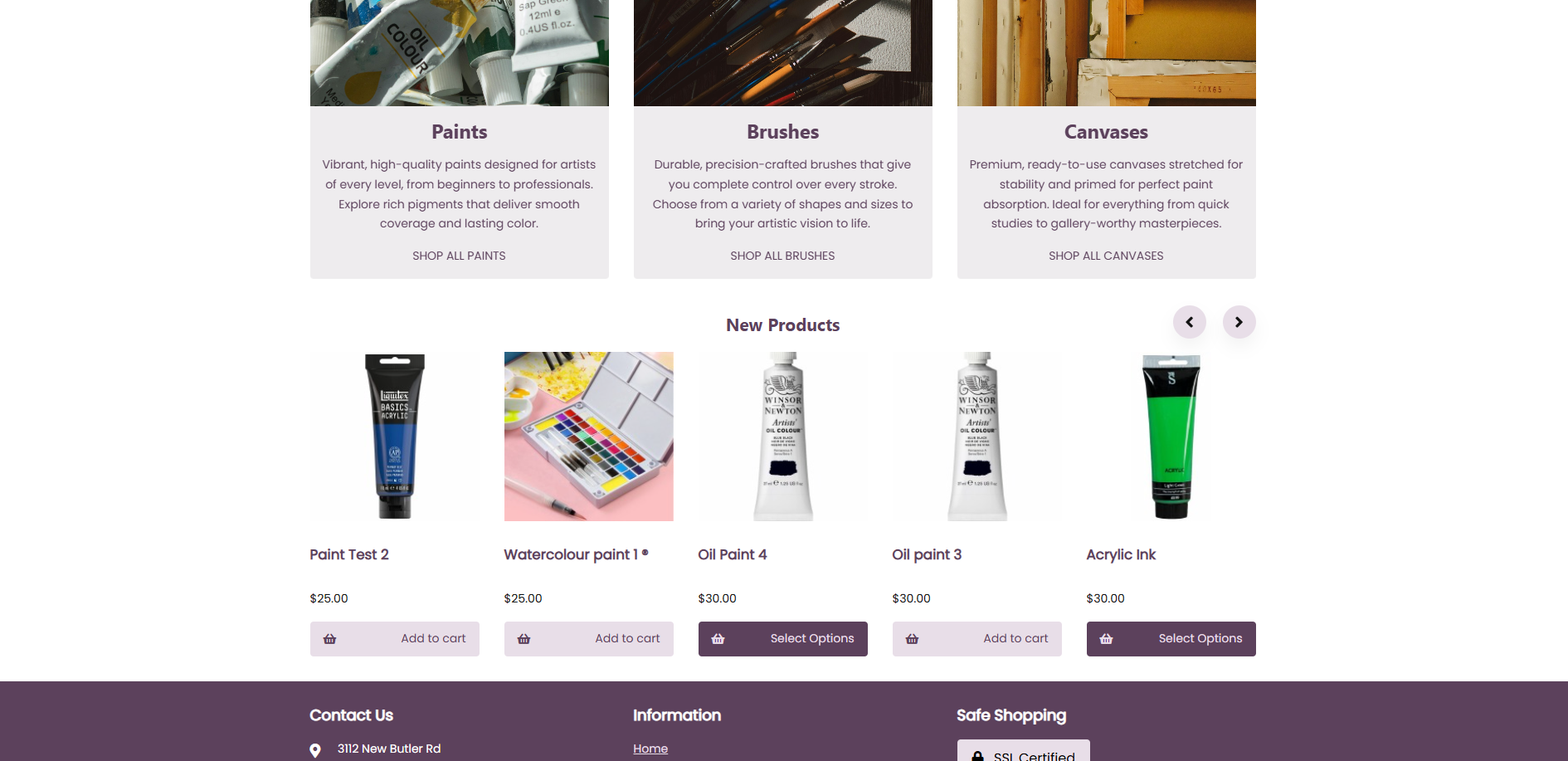
Here's an example of a webstore with the option disabled and content fitting the container width:
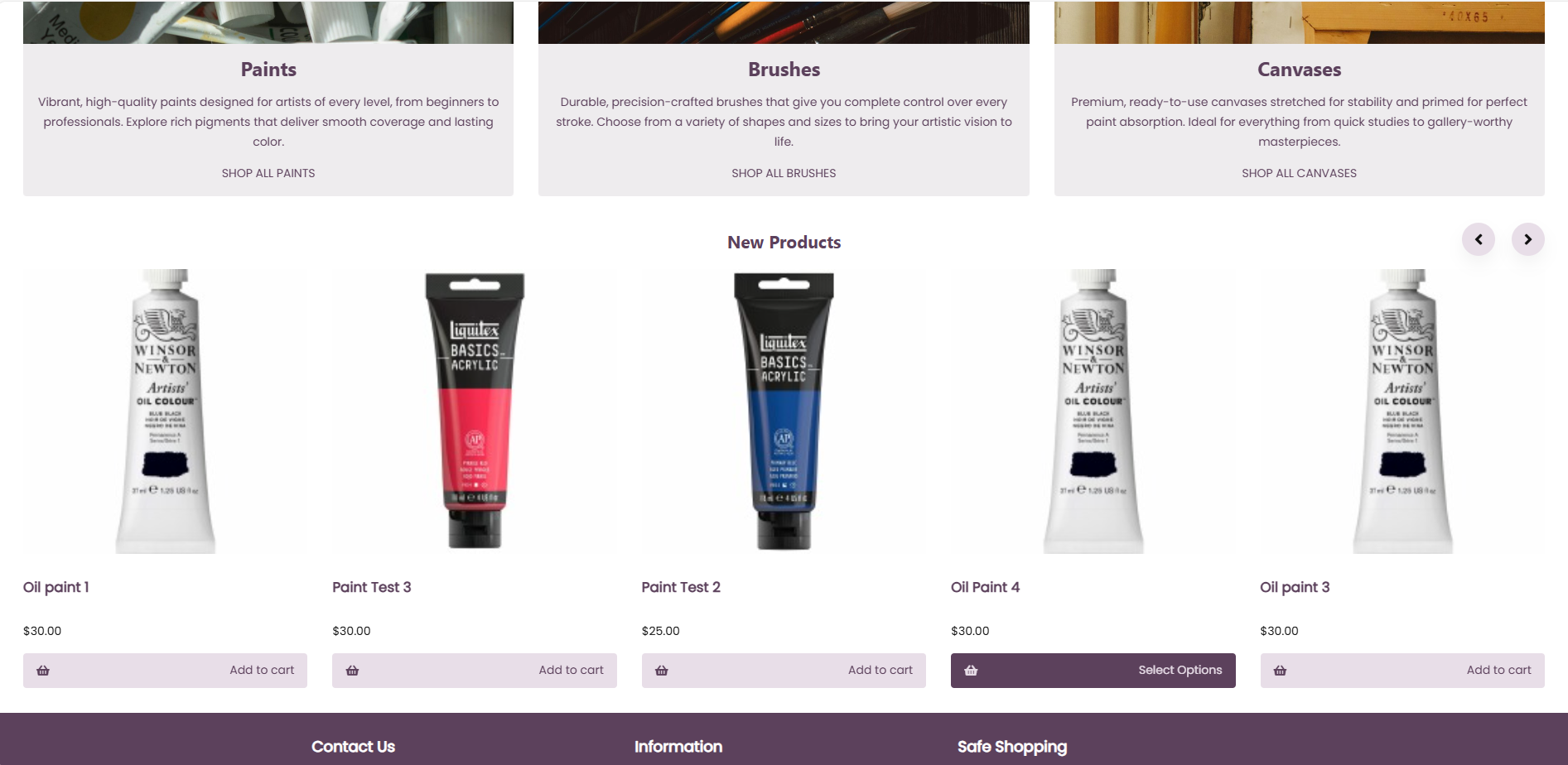
Here's the option enabled, content visible on the entire width of the screen:
Enable full width homepage slider - This option works the same way as the full-width homepage setting, but it applies only to the homepage slider (your main carousel). When enabled, the slider expands to the full width of the screen.
Here's an example of the option disabled:
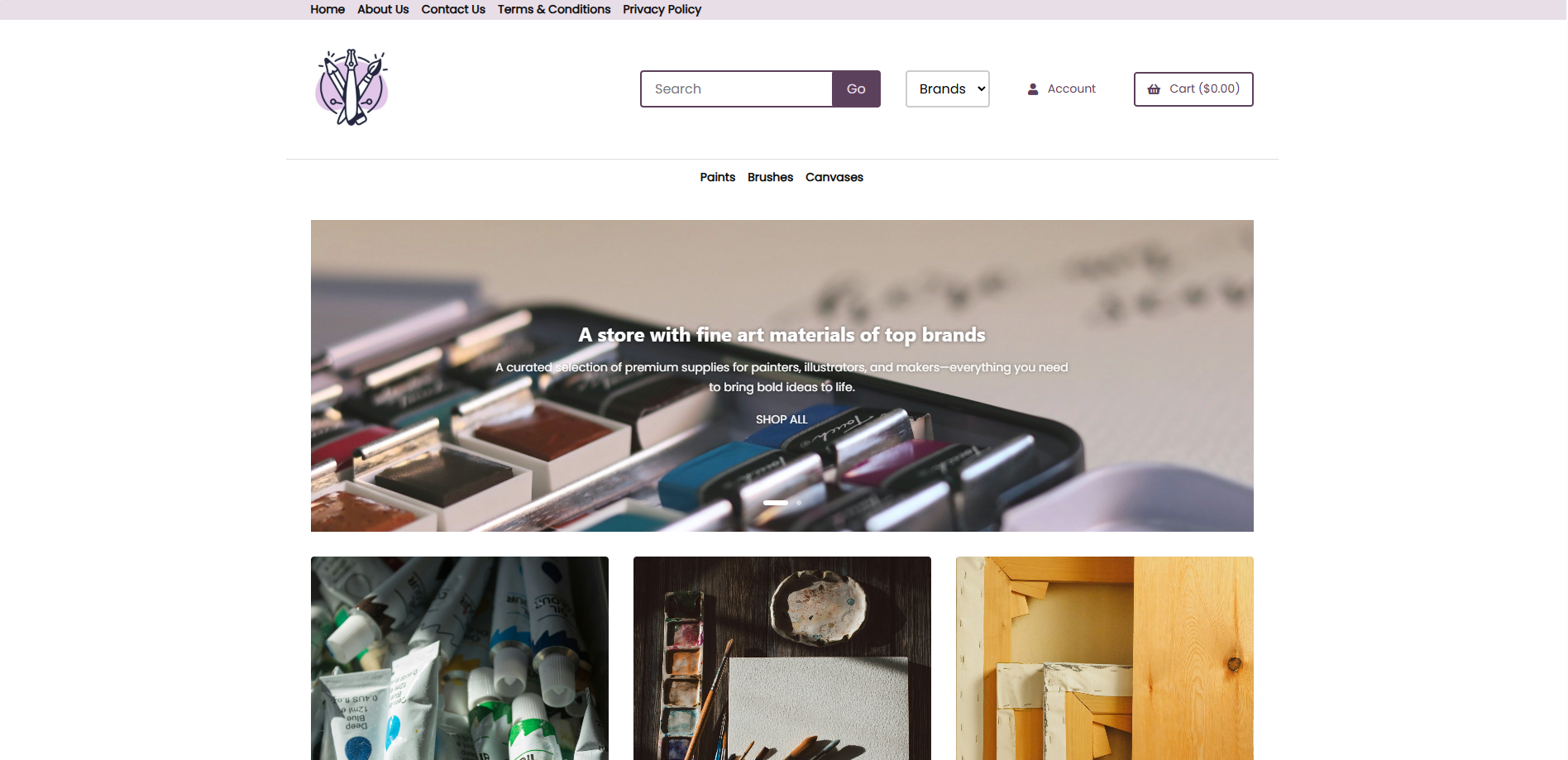
Here's an example of the option enabled: