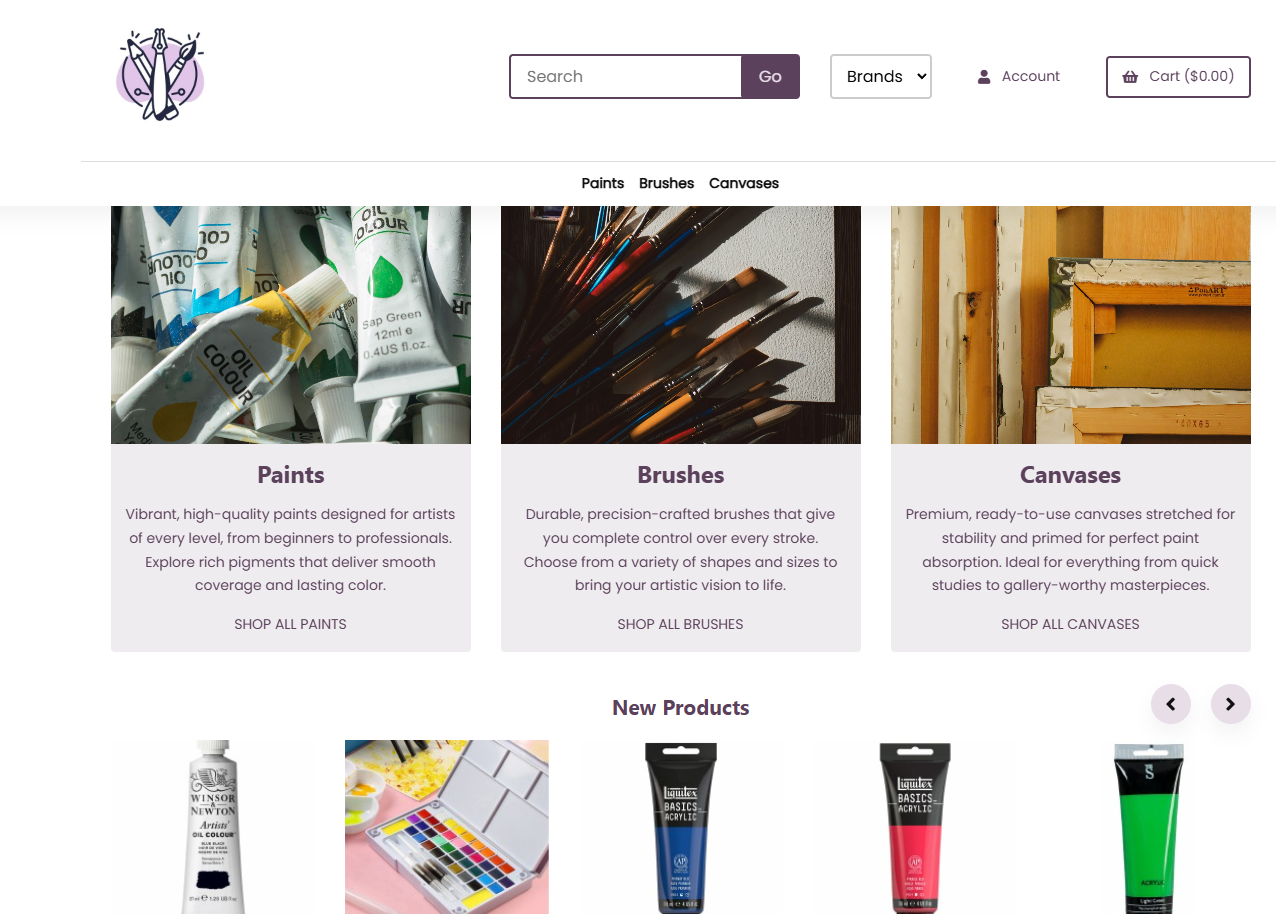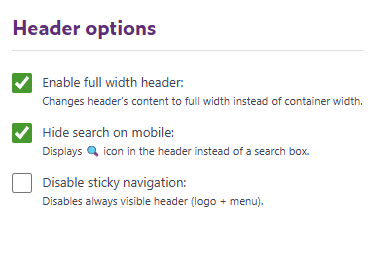
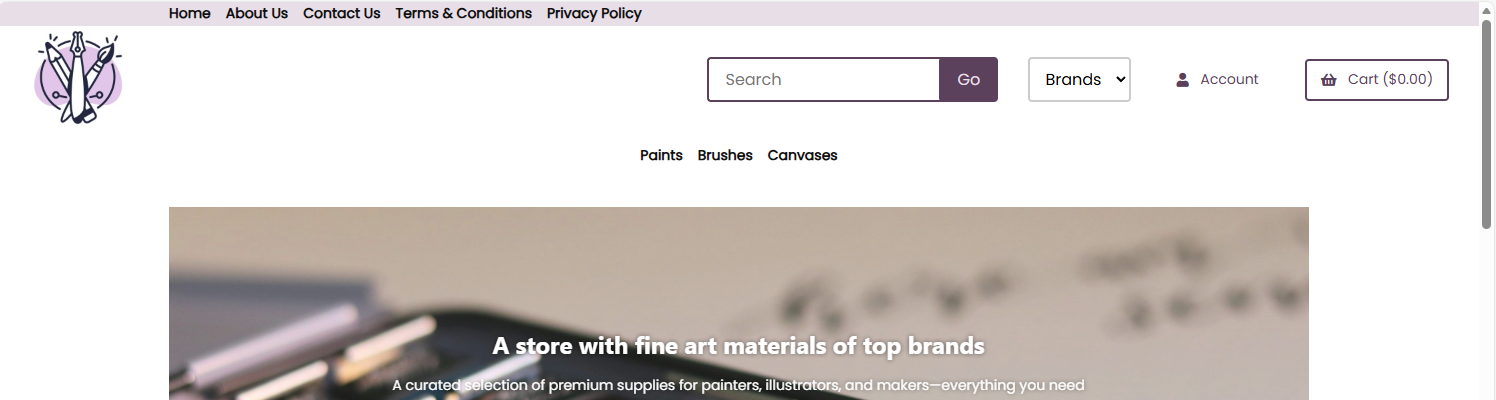
Enable full width header - When enabled, the header's content expands to the full width of the screen
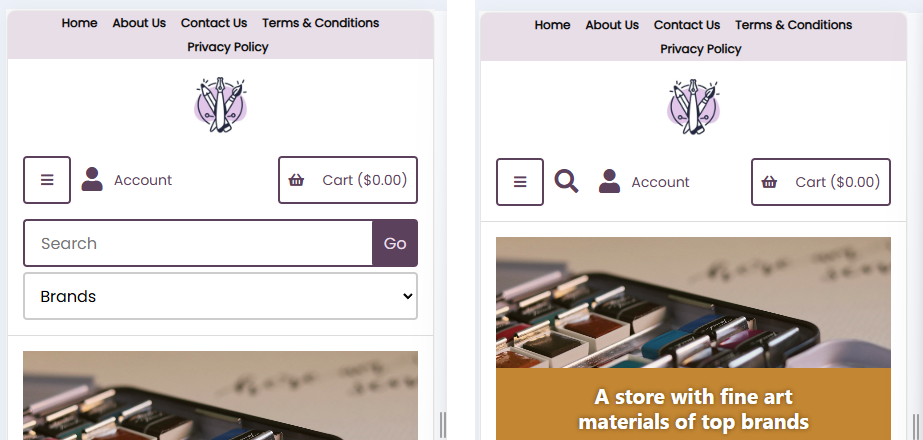
Hide search on mobile - By default, the search box appears on mobile the same way it does on desktop. When you enable this option, the full search box is replaced with a simple magnifying glass icon on mobile devices. Tapping the icon opens the search box.
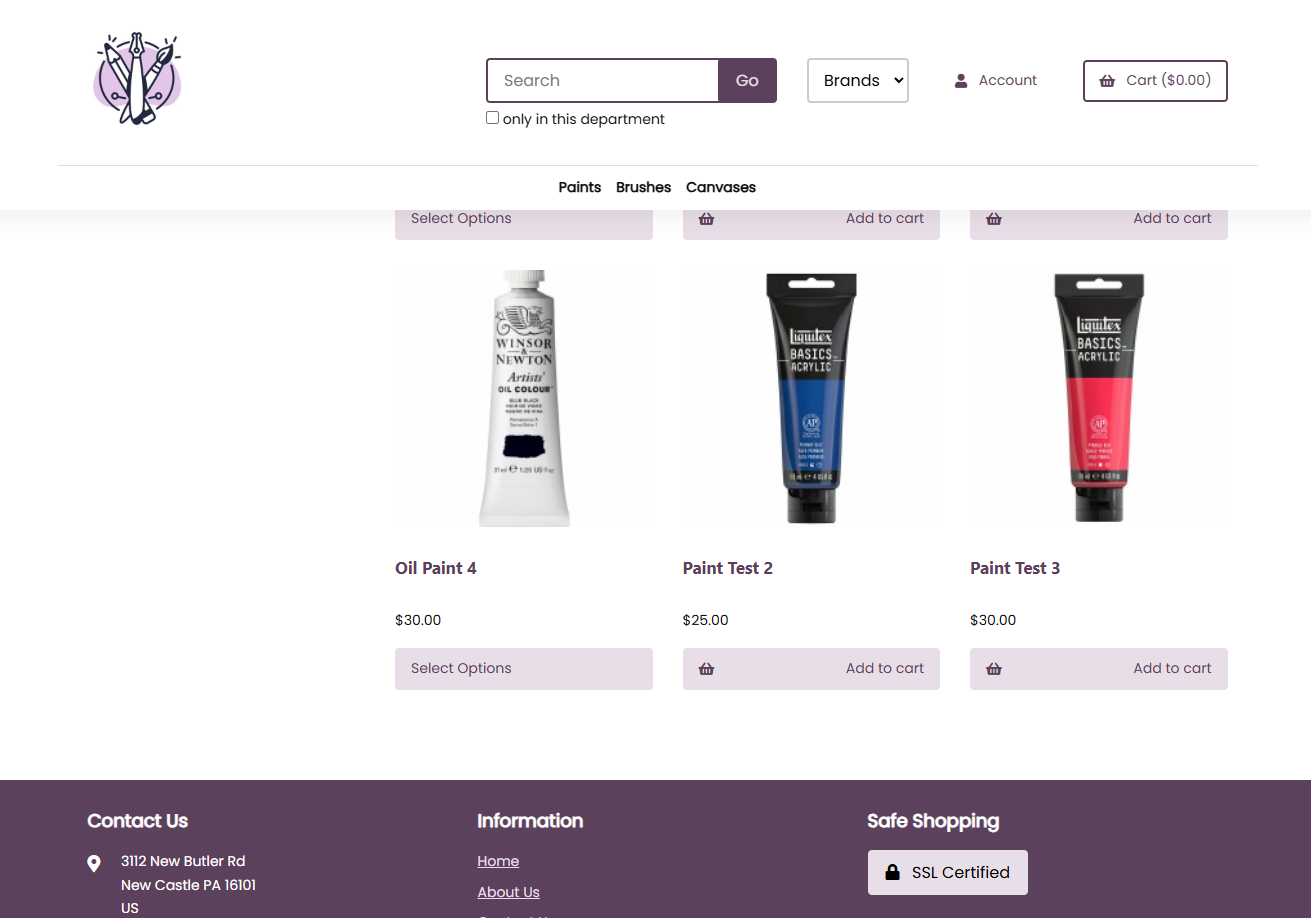
Disable sticky navigation - By default, this option is disabled, meaning the header does not stay visible when you scroll down the page. If you enable this option, the header becomes sticky, so it remains visible at the top of the screen on all pages while you scroll. See examples below: